
Set up with AI
Snap your menu. It’s ready.
Upload a photo of your printed menu and the products, prices and categories are read in minutes. Check them, then put your QR code on the table.
- Start free, no credit card
- Your guests install nothing
- Price changes go live at once
Live in three steps
No typing products in one by one. If your menu is already printed, most of the work is done.
-
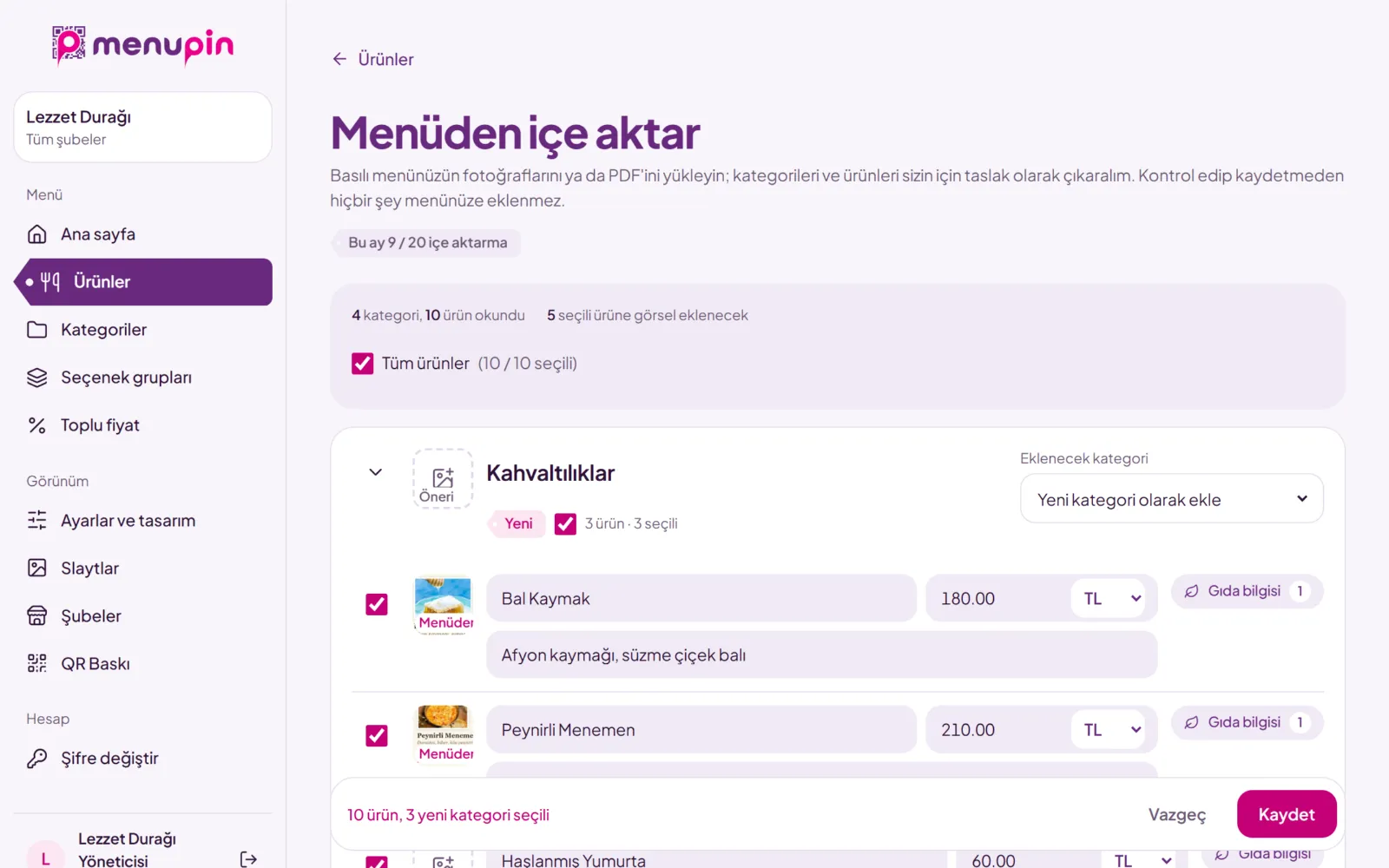
Upload a photo
Upload photos or a PDF of your menu. A menu of up to ten pages is read in one go.
-
Check it
Categories, products and prices appear for you to review. Fix, choose images, save.
-
Put the QR code on the table
Print a table card, a sticker or a poster from ready-made layouts. Your menu is live.
A menu that feels like your place
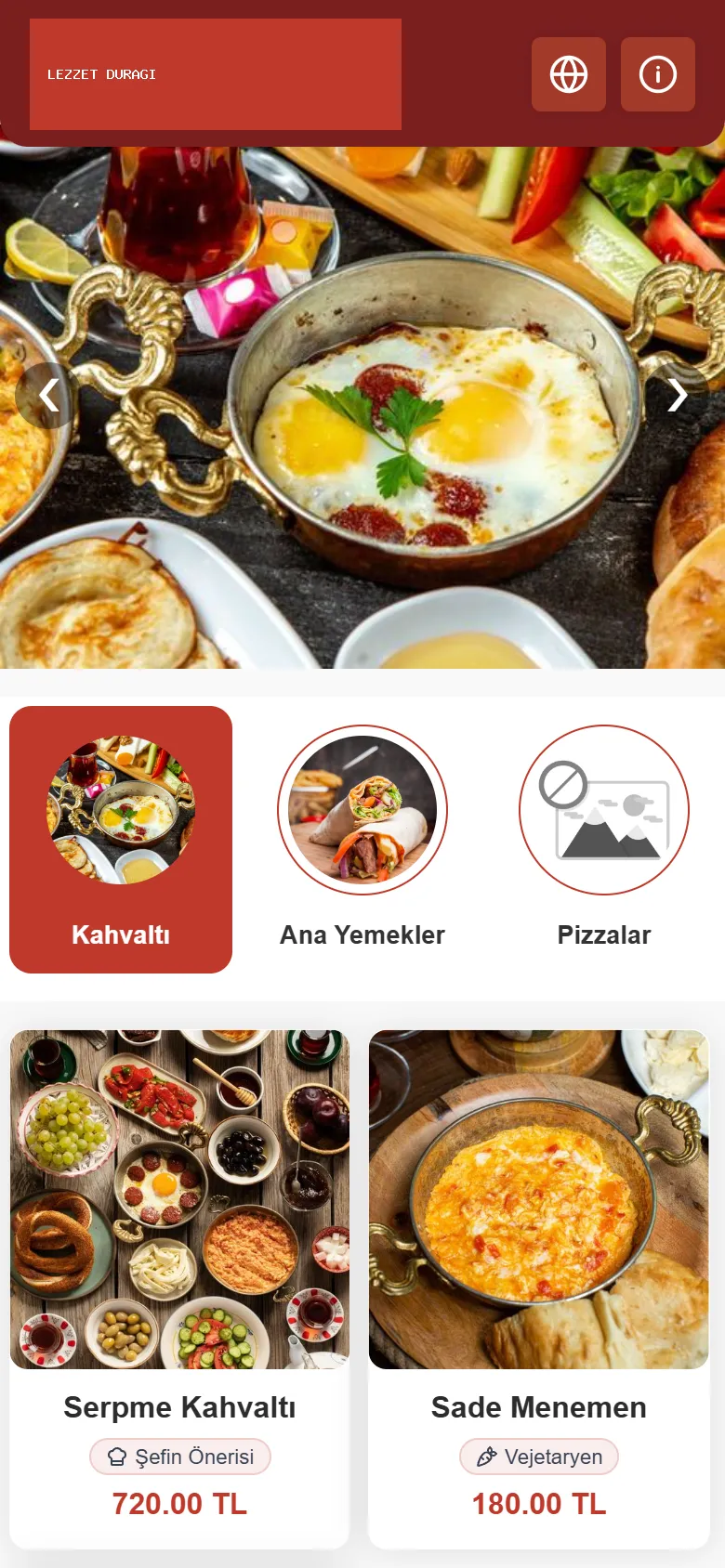
Pick one of six templates and add your logo and colours. Switch templates any time and your menu stays as it is.
-
Modern
Cards, category tabs and a product window.
-
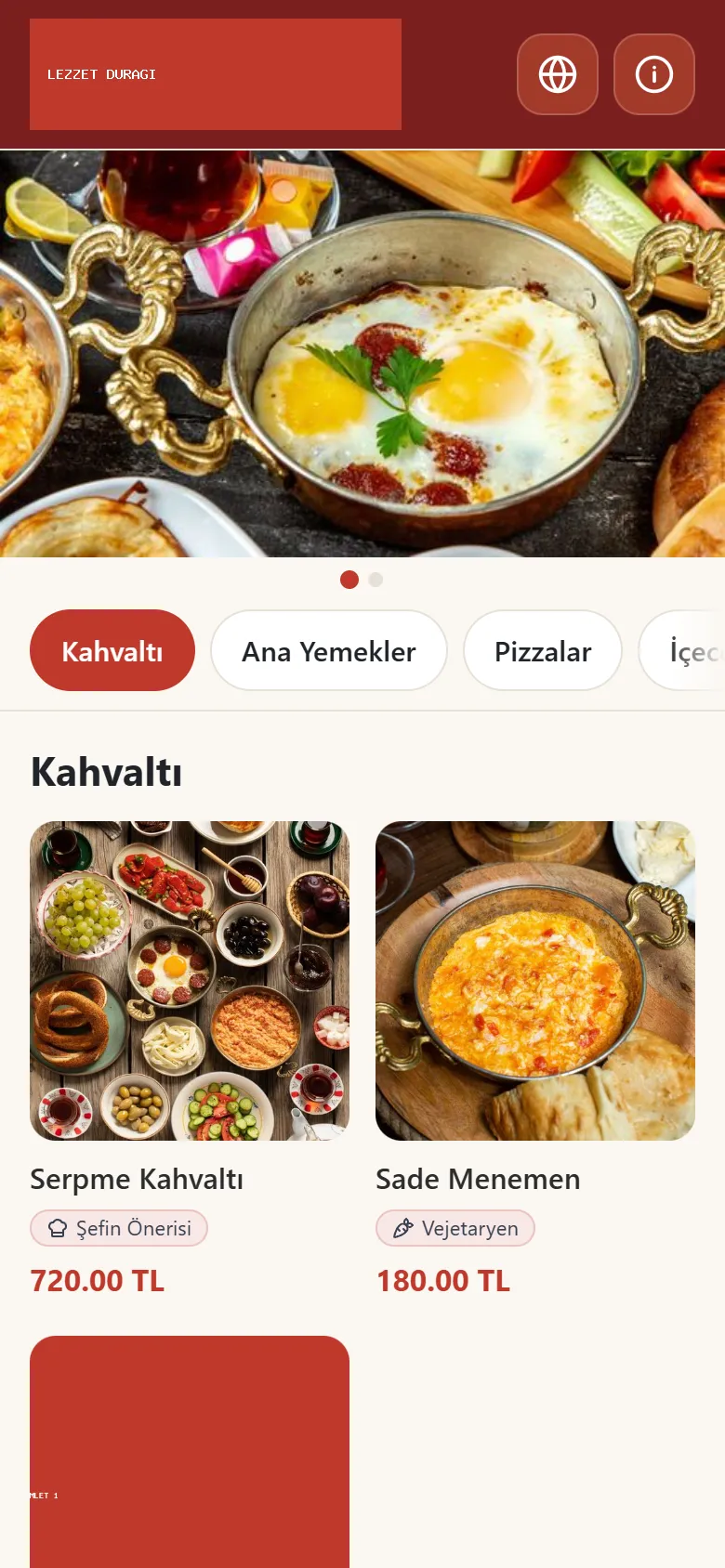
Gallery Premium
A grid of square photos.
-
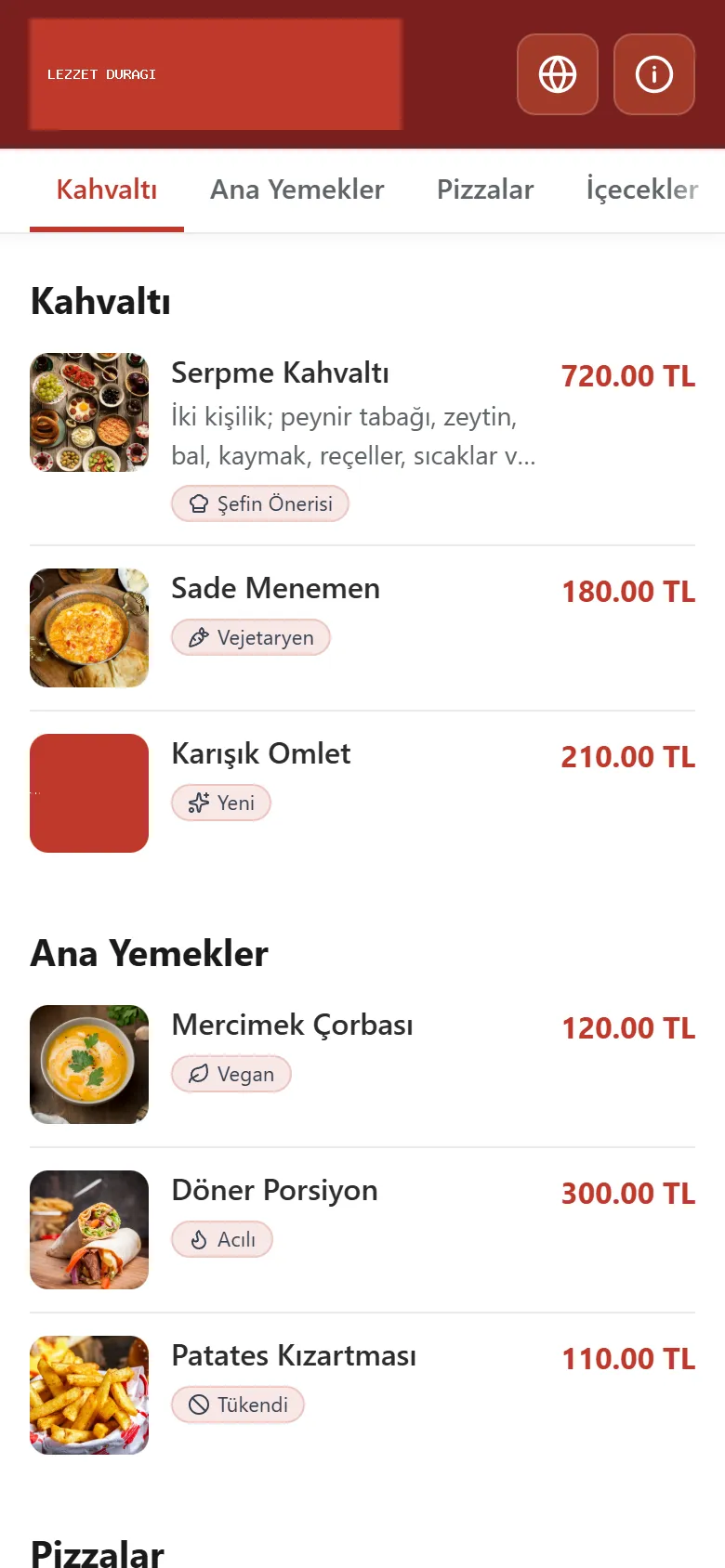
List Premium
One page of rows with small photos.
-
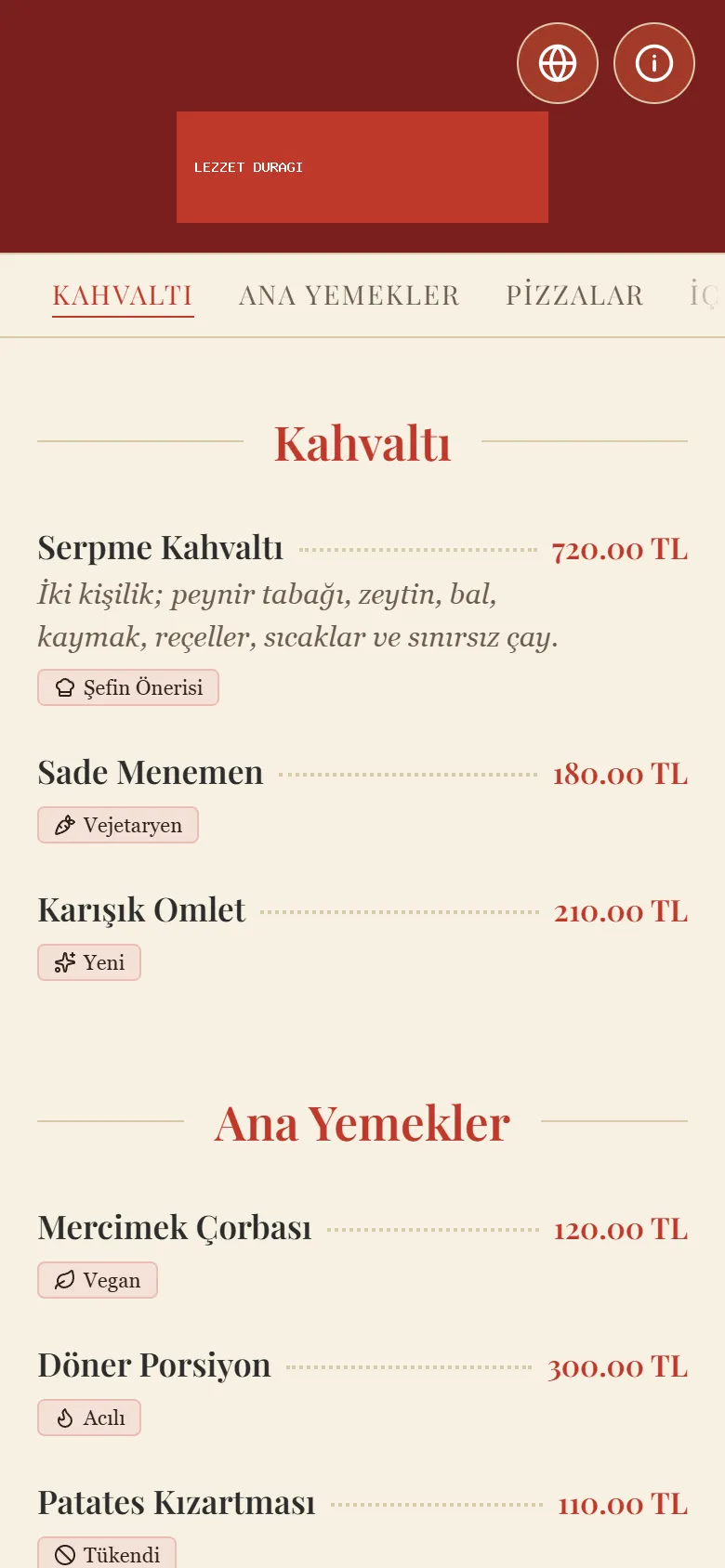
Elegant Premium
A printed-menu feel, no photos in the list.
-
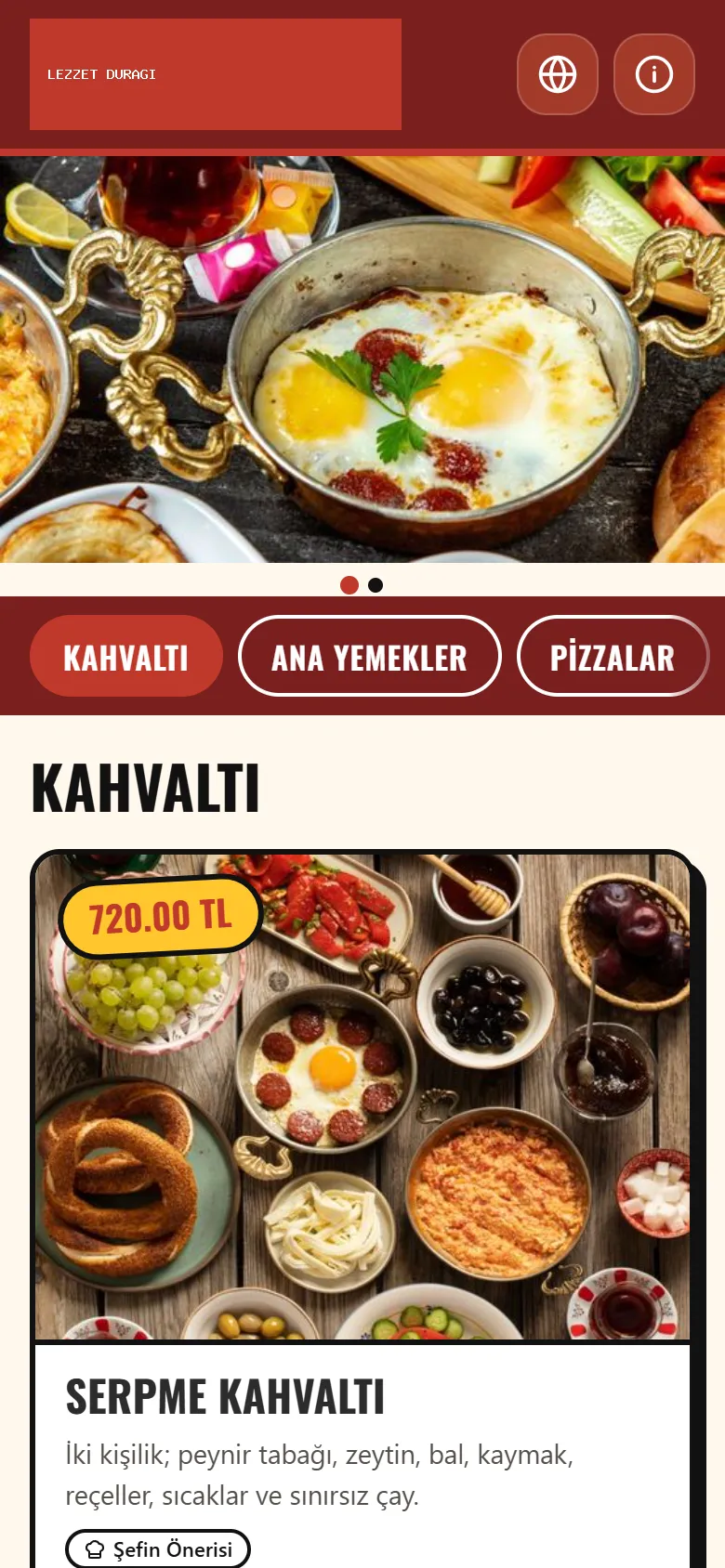
Street Premium
Strong colours and big headings.
-
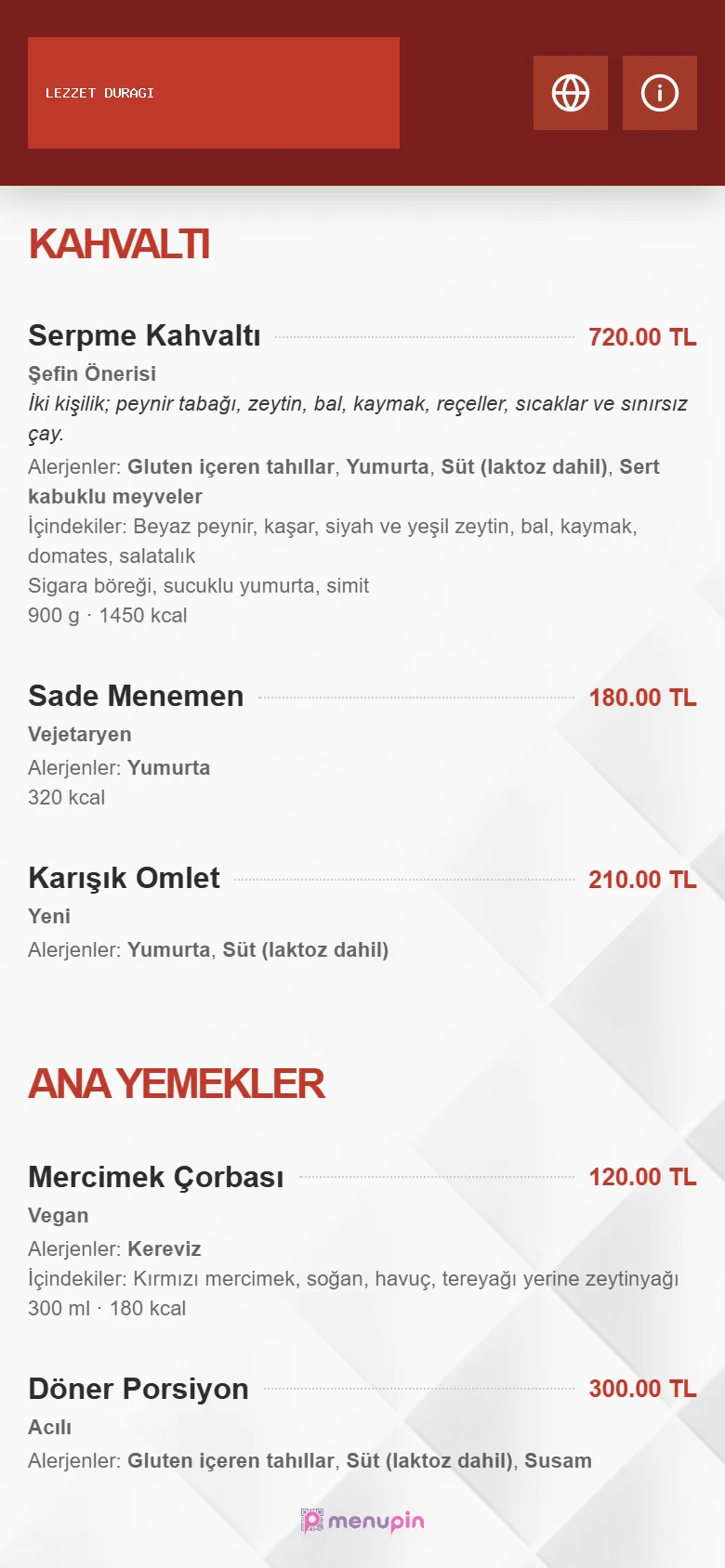
Simple
A clean price list.
What it takes to run your menu
-
Prices always current
Change a price in the panel and every phone shows it at once. No reprinting.
-
Food information and allergens
Ingredients, the 14 allergen groups, portion and calories, per product.
-
Options and variations
Crust, size, extra toppings. Define them once and add them to any product.
-
Ready-made QR prints
Table cards, square stickers, posters and business cards. Four styles, at home or at a print shop.
-
Branches
Each branch gets its own menu address, its own prices and its own manager.
-
Multiple languages
Guests read your menu in their language. It is translated automatically.
-
Your own domain
Publish your menu at an address of your own, like menu.yourplace.com.
-
Run it from your phone
The panel opens like an app on your phone. Add it to your home screen.
Common questions
How does a QR menu work?
Guests scan the QR code on the table with their phone camera and your menu opens as a web page. You manage the menu in the MenuPin panel, and every change goes live at once.
How long does setting up my menu take?
If you have a printed menu, upload photos or a PDF of it; a small menu is read in seconds, a long one in a few minutes. Then you check the products and save. You can also enter your menu by hand.
Do guests need to install an app?
No. The phone camera reads the QR code and the menu opens in the browser. No app, no sign-up.
Do I need to reprint the QR code when a price changes?
No. The QR code points to your menu’s address, not to the menu itself. Prices and products you change in the panel show up at once behind the same code.
Put your menu online today.
Open your account and upload a photo of your menu. If you get stuck, write to us.